- DATE:
- AUTHOR:
- The Krisp team
Krisp 3.11.4 AI Meeting Assistant Updates
This release brings faster ways to find and review meetings, improved speaker mapping and AI personalization, and clearer pricing plan names across the product. We also introduced MCP integration support to make it easier to connect Krisp with external tools and workflows, along with several stability and experience improvements,
New features and improvements
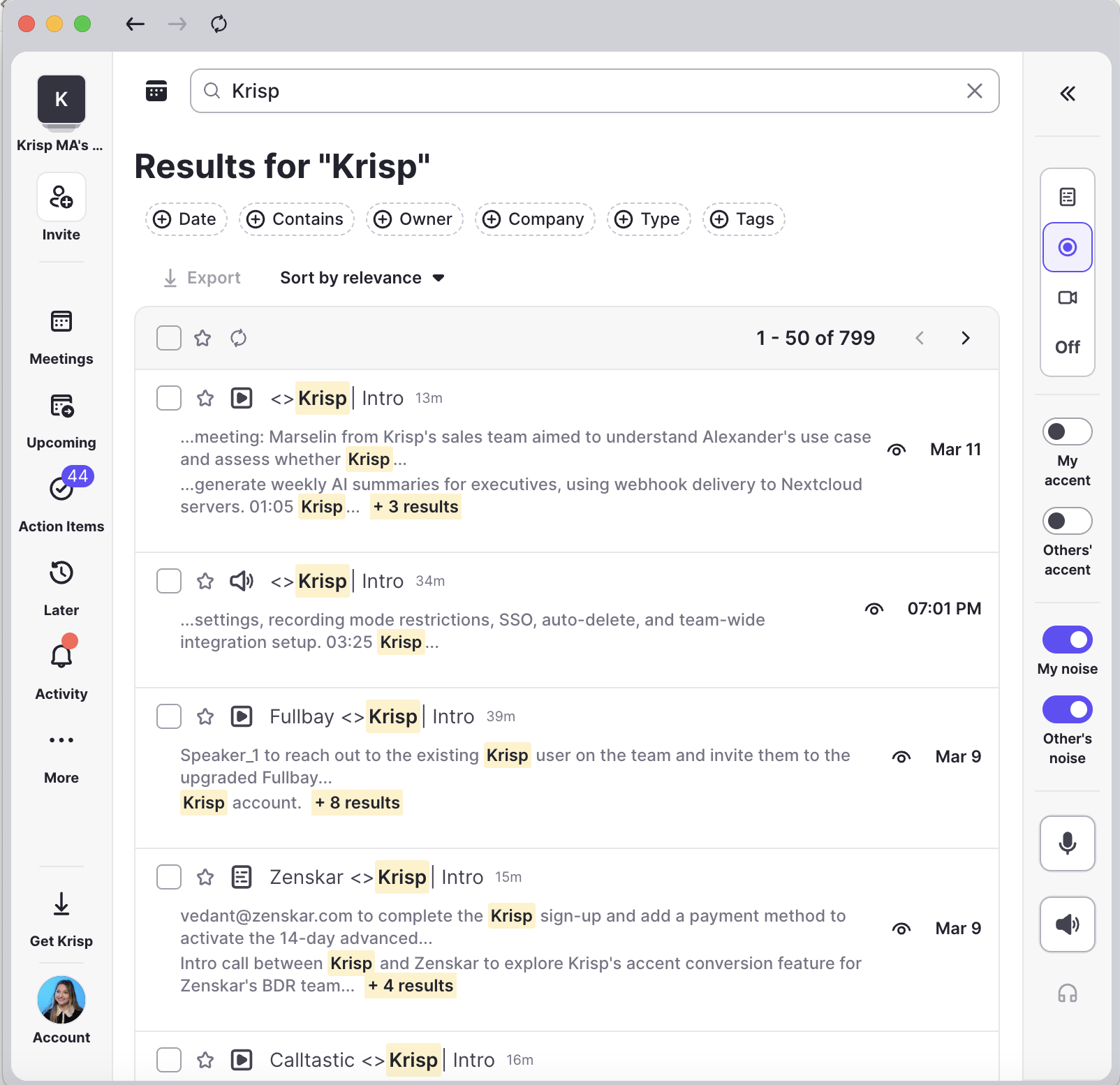
Faster meeting search: We introduced a new full-page search so you can find meetings faster. Press ⌘K (Mac) / Ctrl+K (Windows) to open search from dashboard pages. The full results page lets you sort, filter, and continue where you left off.
Clearer pricing plan names: We updated our pricing tier names to better reflect the value they provide. Pro is now Core and Business is now Advanced, while Enterprise and Free Trial remain the same.
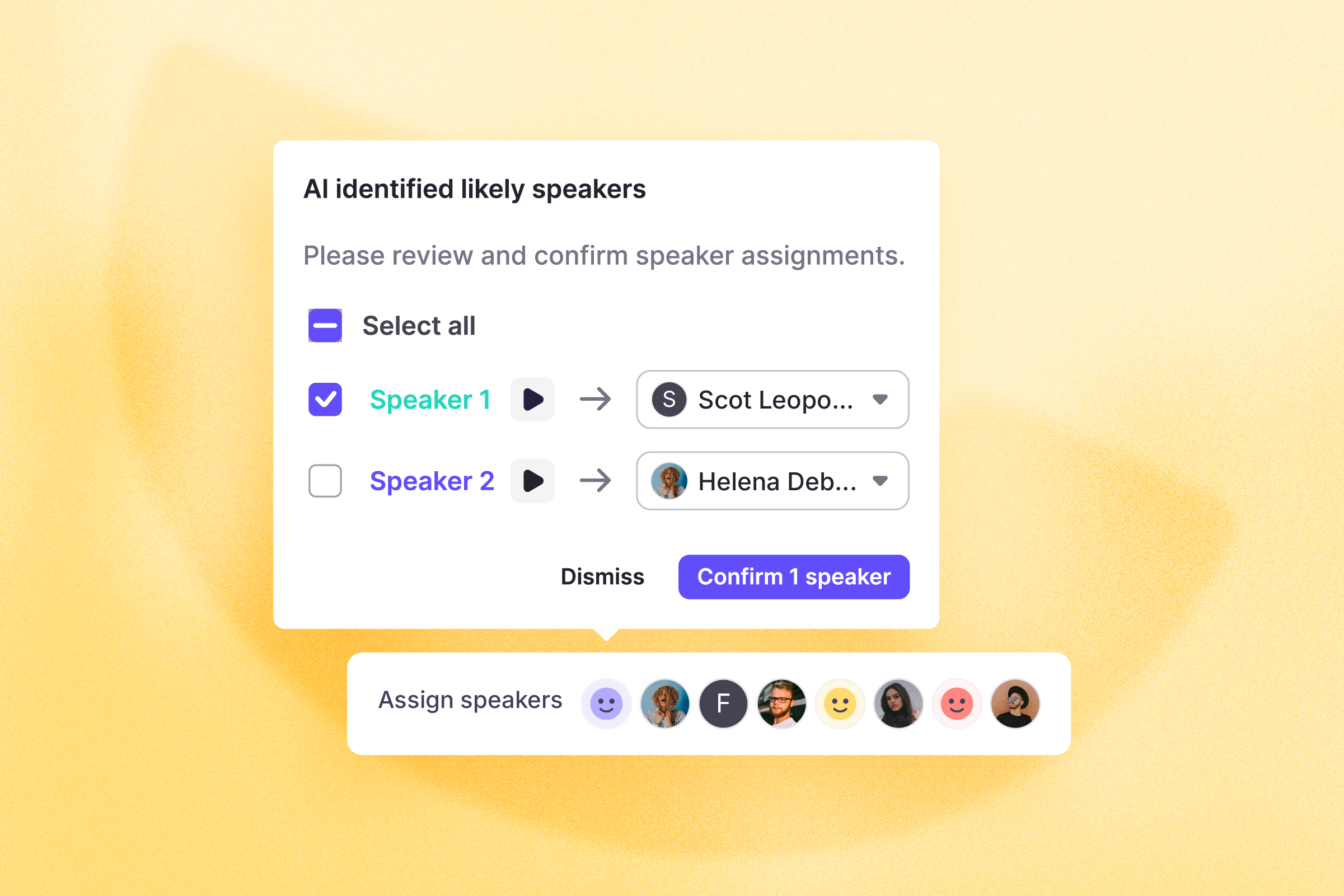
Confirm speakers faster with smart Speaker Mapping suggestions: Krisp now automatically suggests the most likely speaker for each part of the transcript, so you can simply review and confirm instead of mapping speakers manually.
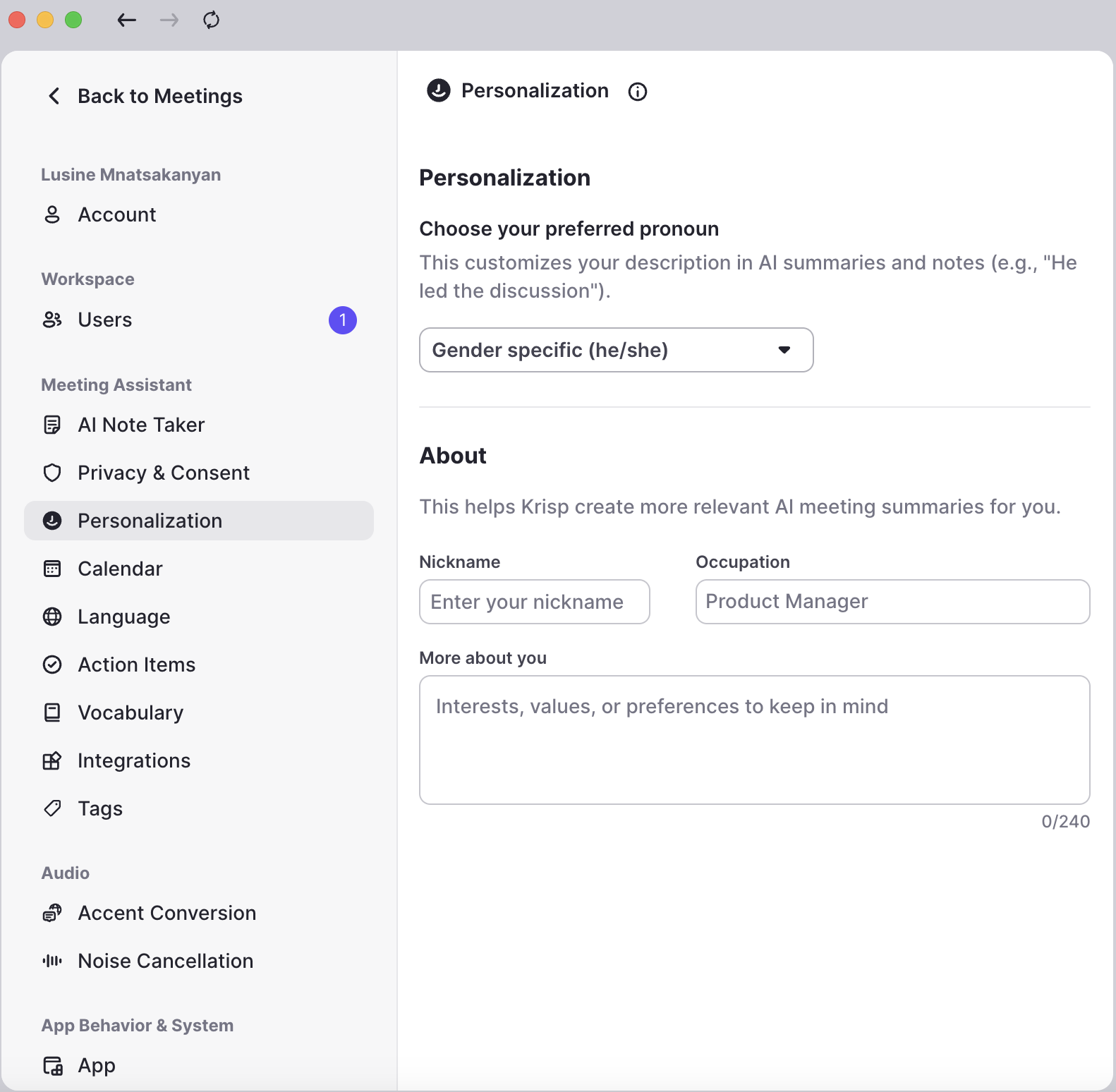
More personalized AI summaries: You can now add your nickname, occupation, and professional details in Settings → Personalization, helping Krisp tailor AI summaries and responses to better match your context and communication style.
Connect Krisp to external tools with MCP: Krisp now supports integration via a Generic MCP Server, making it easier to connect AI workflows with external tools and services. This allows teams to extend Krisp with custom integrations and data sources for more flexible AI-powered workflows.
Bug fixes
Companion Mode microphone status: The microphone indicator in Companion Mode now updates correctly when Krisp Mic is unmuted during a call, even if the call started while the mic was muted.
Krisp device status indicator: The green checkmark on the Krisp Menu / System Tray icon now appears correctly during calls when Krisp Mic and Speaker are selected, even if Note Taker is turned off.
Hidden meeting preferences: Meetings disabled in Krisp Web settings (such as meetings without participants or a conference link) are now consistently hidden across reminders, the Mac Menu, dashboard banners, and notifications.
Manual update reliability: Improved the manual update flow to ensure updates proceed smoothly even if a previous version was already downloaded in the background.