- DATE:
- AUTHOR:
- The Krisp team
December Product Updates: Call Center AI
This month’s updates focus on turning insights into action and improving team efficiency. Call Center AI supports agents in multilingual calls with adaptive Accent Conversion, real-time Voice Translation feedback, and more. Let's take a look!
Krisp Call Center AI updates
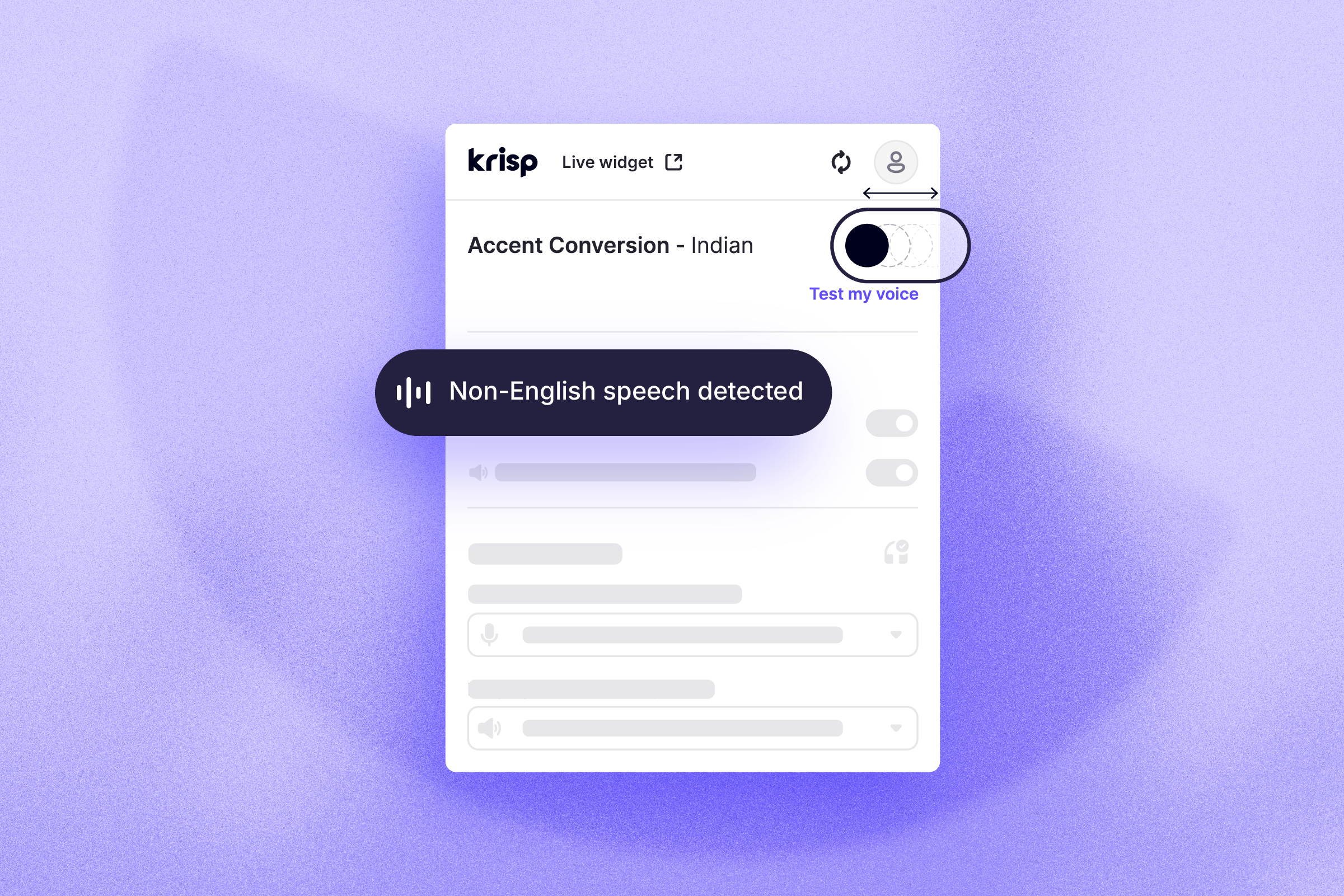
Accent Conversion that adapts to your calls without extra steps: Accent Conversion now works smarter behind the scenes by automatically turning off when non-English speech is detected on either side of the call. This helps multilingual agents sound natural and clear in all their calls, applying the Accent Conversion only when needed without any manual switching.
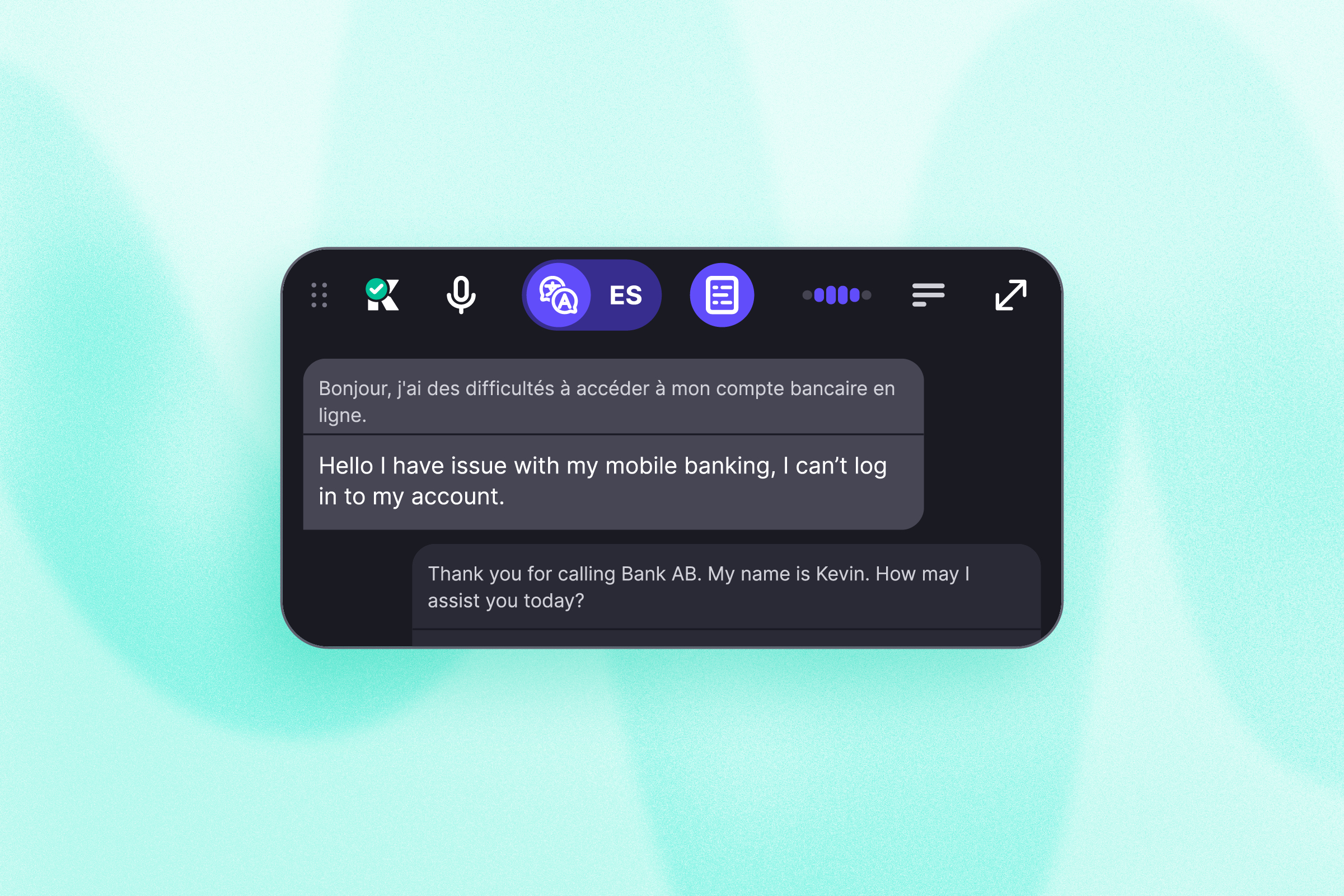
Krisp Widget puts the essentials front and center: The redesigned Widget creates a more focused agent experience by showing only the most relevant information in a clean horizontal layout. Its collapsed view lets agents quickly follow the conversation, while allowing them to expand for more detail when needed, keeping the interface simple, unobtrusive, and aligned with real-time needs.
No more switching devices before a call: Krisp can now be set as Windows’ default communication microphone and speaker, allowing calling apps to pick the Krisp microphone automatically. Calls start with Krisp from the first moment with no extra setup required.
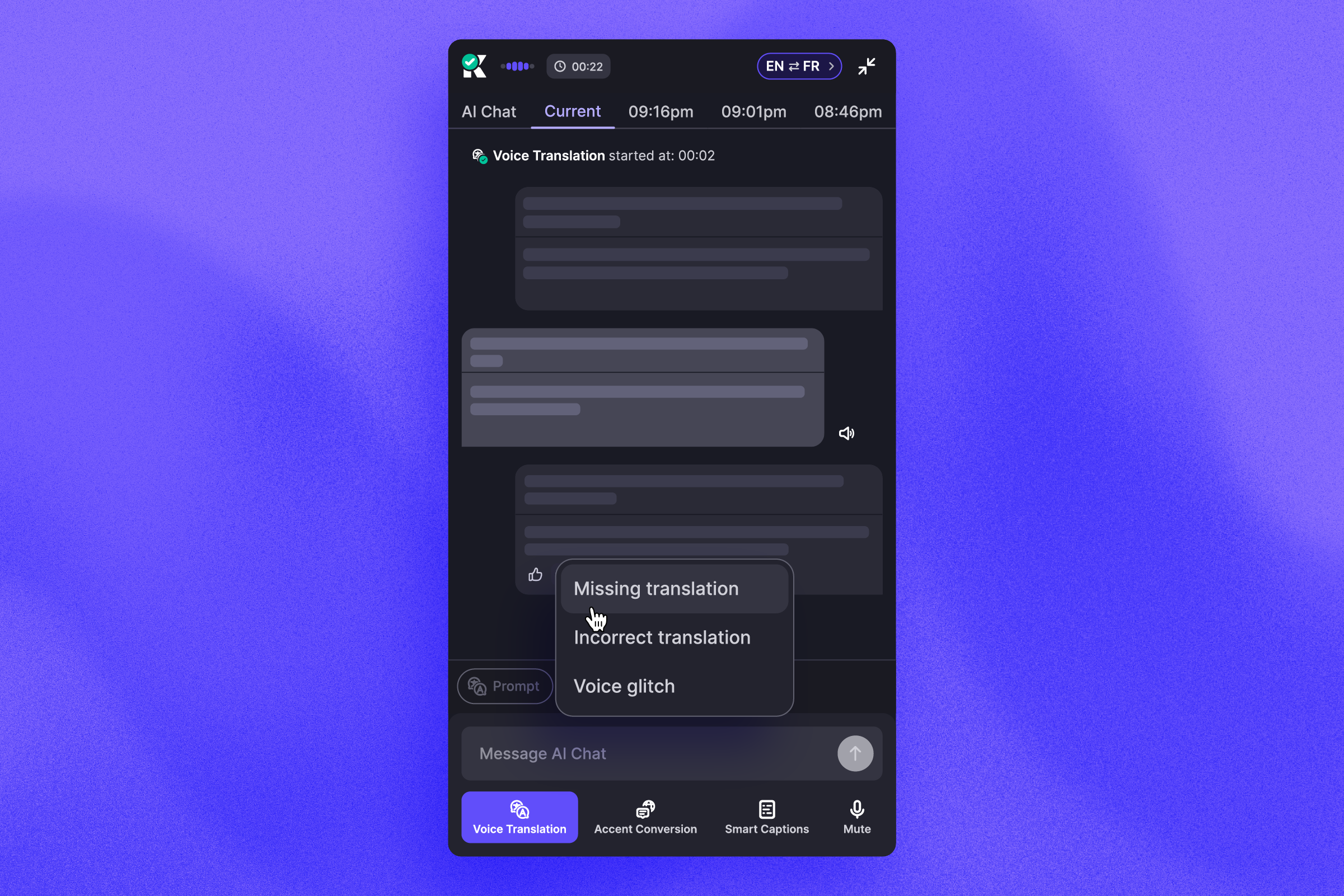
Better Voice Translation, shaped by agents in the moment: Real-time agent feedback now plays a key role in improving translation accuracy. By rating and flagging translated speech bubbles, agents directly help Voice Translation continuously learn and evolve for smarter, more seamless conversations. The feedback process is fast, intuitive, and non-disruptive, enabling agents to contribute without interrupting their workflow.
Smarter call end detection for a more efficient workflow: Voice Translation got smarter as well. It now detects when a call has ended based on the conversation flow and turns off to avoid unnecessary product usage. It keeps the workflow lean and lets agents stay focused without needing to manage tools after every conversation.
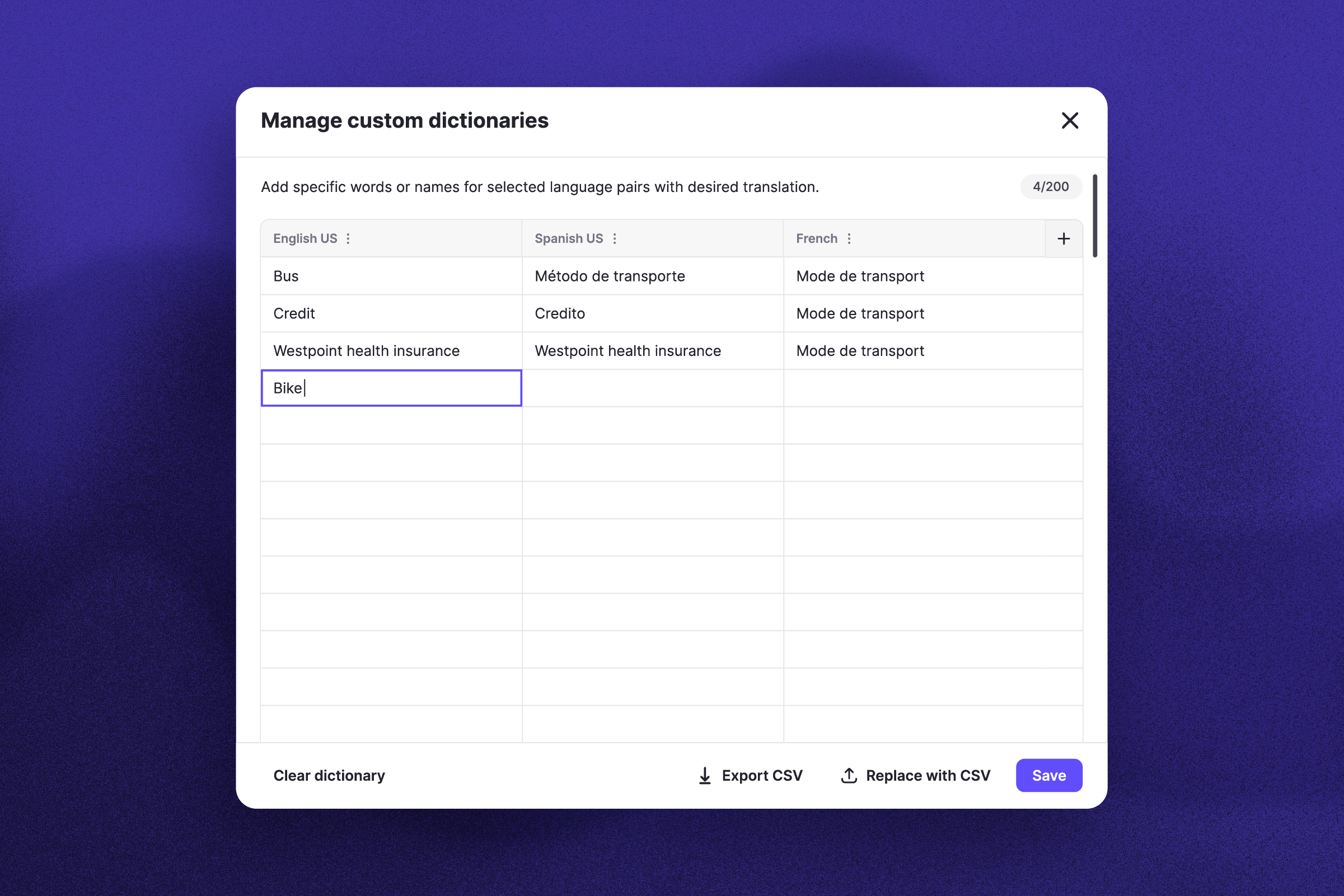
Improved translation accuracy with less effort: Custom dictionaries are now easier to manage with a redesigned interface that streamlines how you enter, review, and update terms. These updates help reduce errors and make it faster to add or edit terms, giving you more control over translation quality with minimal effort.
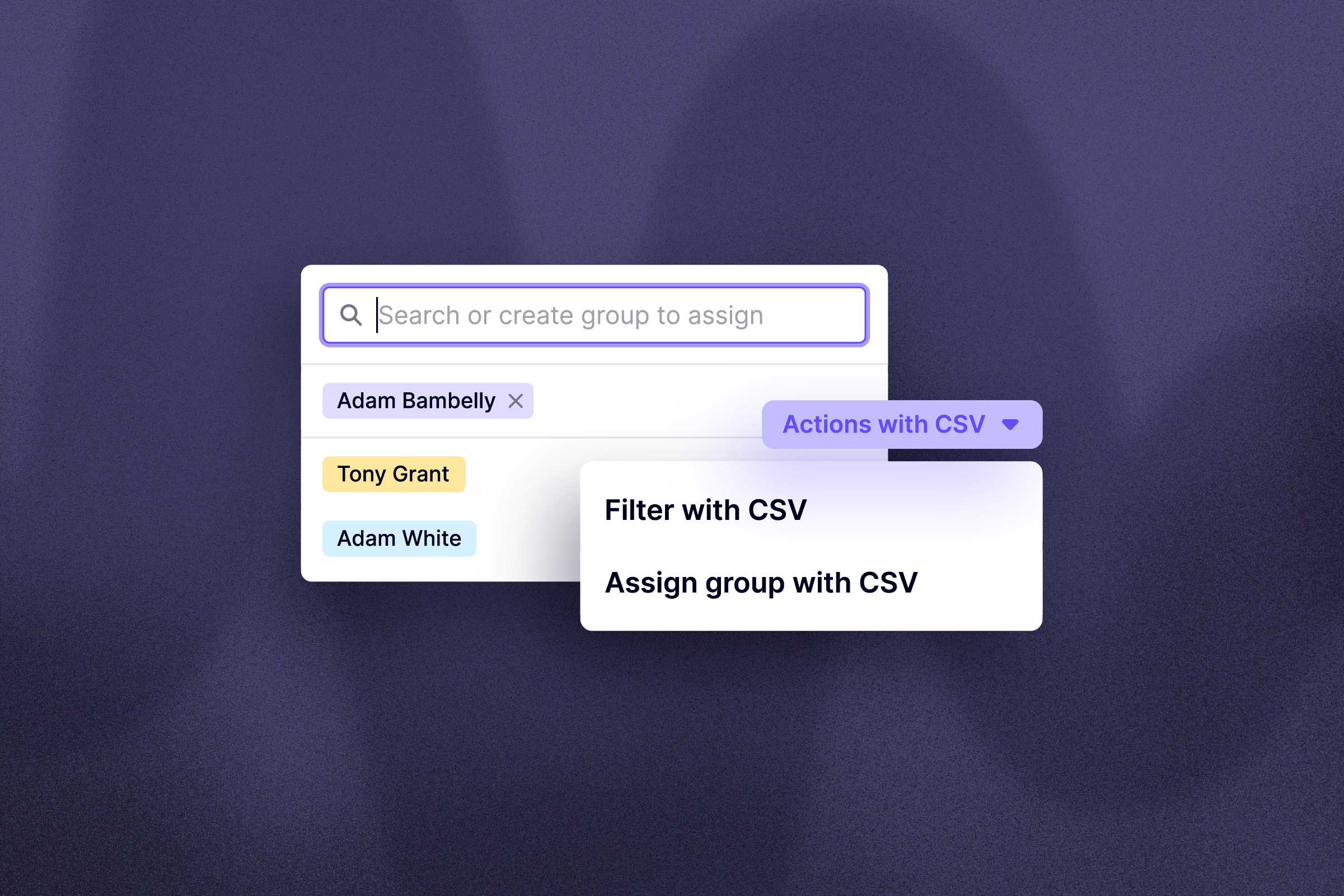
Easier team management with flexible group assignments: Labels make it easier to stay organized as teams grow. You can quickly apply filters and take bulk actions across Users, Devices, Calls, and Monitoring — all from one place, with clearer visibility into each group’s activity.