- DATE:
- AUTHOR:
- The Krisp team
Krisp 3.10.5 AI Meeting Assistant Updates
This release brings more flexibility in how Krisp looks and connects to your tools, and a set of reliability improvements. From Dark mode and expanded integrations to deeper AI workflows and smoother live recording, these updates are all about giving you more control with less friction.
New features and improvements
Dark mode support: You can switch between Light, Dark, or System mode, so Krisp automatically matches your OS settings. This makes it easier on the eyes during late work hours and keeps your setup consistent across apps. To turn it on, open your account menu, go to Appearance, and choose Dark, Light, or System.
Access your meetings from AI assistants: You can now connect your Krisp meeting data directly to AI assistants using our new Krisp MCP server. This lets you ask natural-language questions and instantly pull transcripts, summaries, action items, and upcoming meetings. It works with MCP-compatible clients like Claude, Cursor, and others.
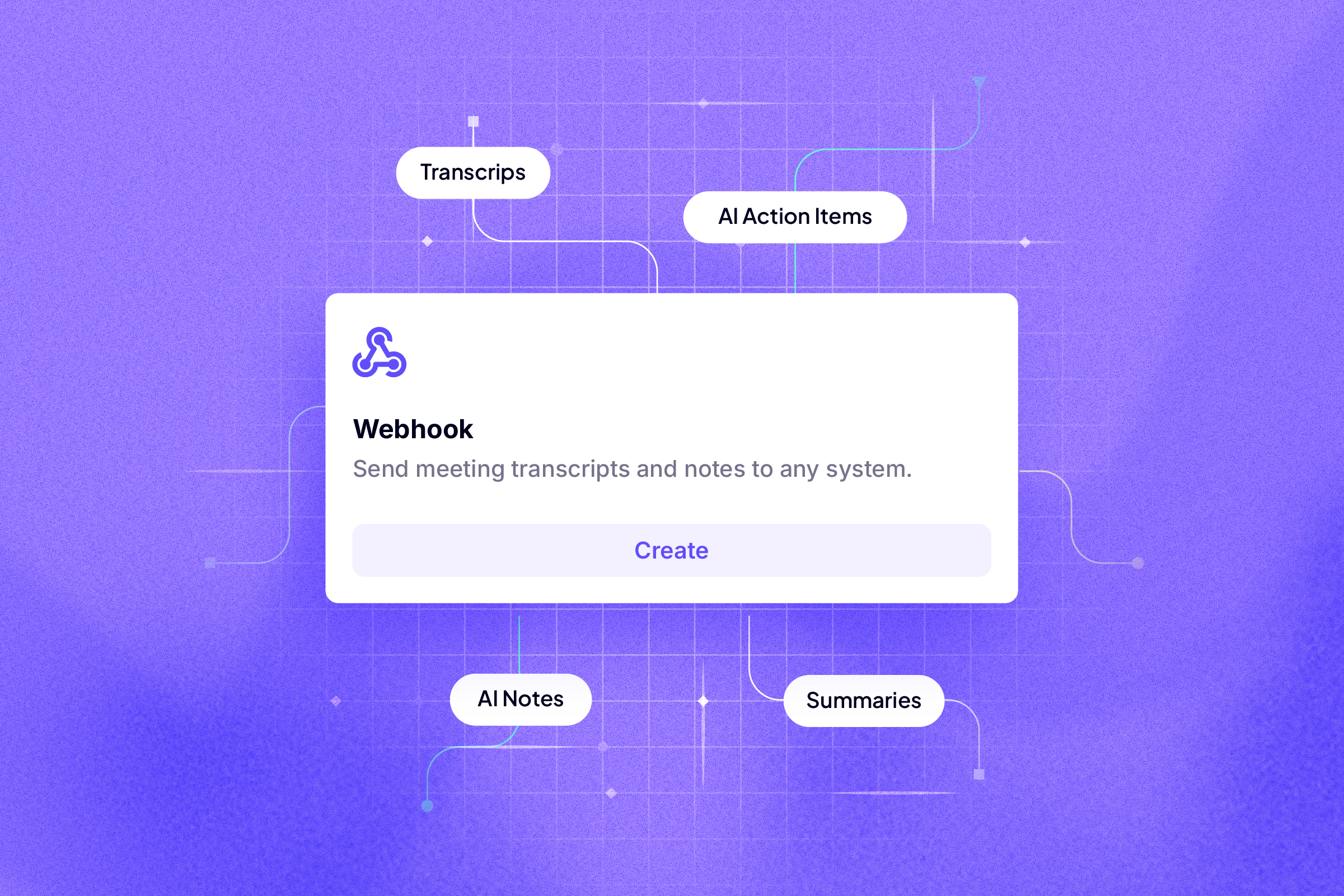
Webhook API for automated meeting exports: You can now automatically send Krisp meeting outputs such as transcripts, notes, and outlines to your own tools and systems using our new Webhook API. This gives you more control over how meeting insights move into your internal tools and workflows.
Integrations now available on Pro and Trial (except Salesforce): Pro users now have access to nearly all integrations, making it easier to connect Krisp to your existing tools and explore workflows right away. Salesforce remains exclusive to the Business plan.
Sign out or quit Krisp from the avatar menu: You can now sign out of your account or fully quit Krisp directly from the avatar menu for clearer control over your session and app behavior.
Bugs fixes
Live recording now starts with the correct meeting context when there’s an ongoing calendar event, even if the calendar is hidden from the tray.
Test Noise Cancellation now applies noise reduction correctly, ensuring background noise is canceled during test recordings as expected.