- DATE:
- AUTHOR:
- The Krisp team
Krisp 3.12.4 AI Meeting Assistant Updates
This release introduces stronger meeting management tools, richer notes collaboration, and improved audio performance, so you can stay organized, work better with your team, and experience clearer calls.
New features and improvements
Echo cancellation with flexible speaker support: Echo cancellation now works even without selecting a speaker, including driverless speaker setups. This allows it to be applied in more scenarios while maintaining strong audio quality during calls.
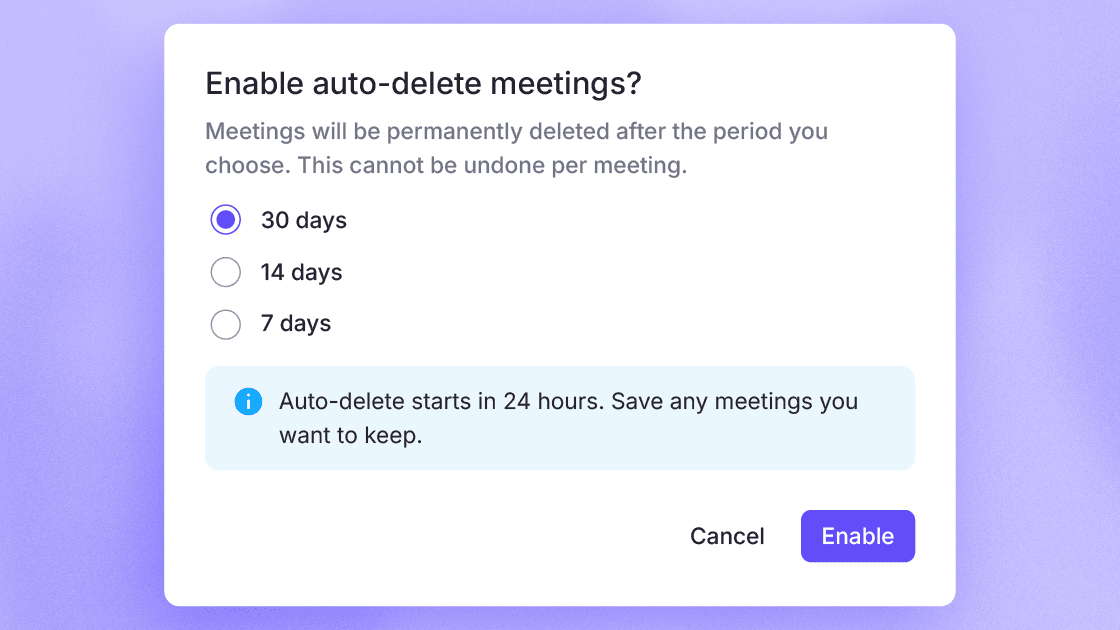
Auto-Delete Meetings settings: Automatically delete meetings after 30, 14, or 7 days based on your preference. A 24-hour grace period is included so you can review or export important content before it’s permanently removed.
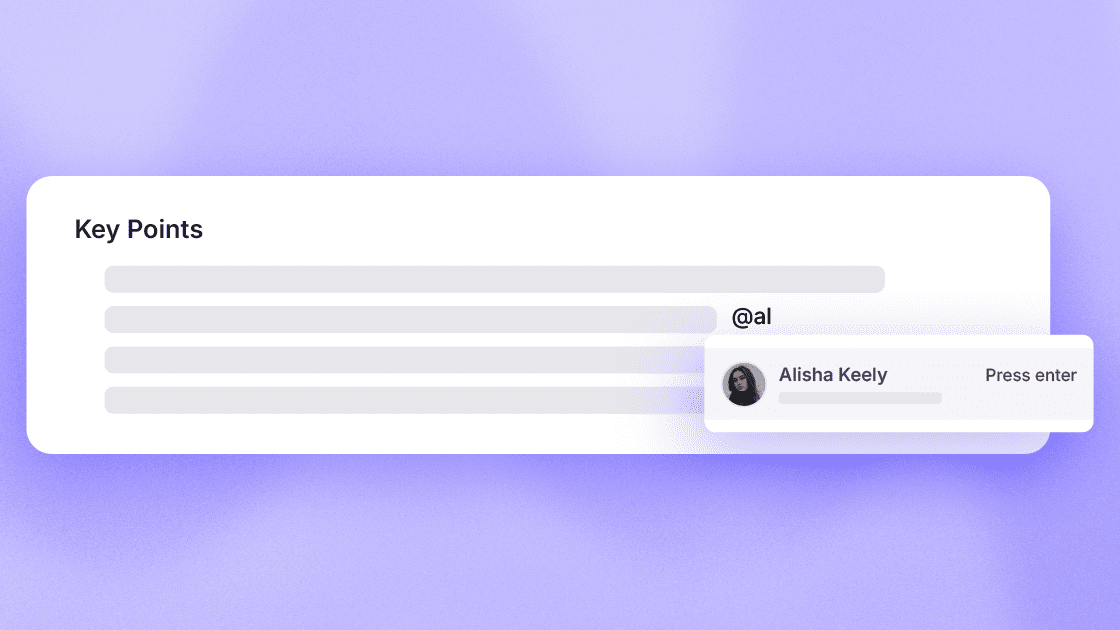
Mentions in Notes: Tag teammates directly inside meeting notes to notify them instantly. This makes it easier to loop others in, assign context, and collaborate without leaving the notes.
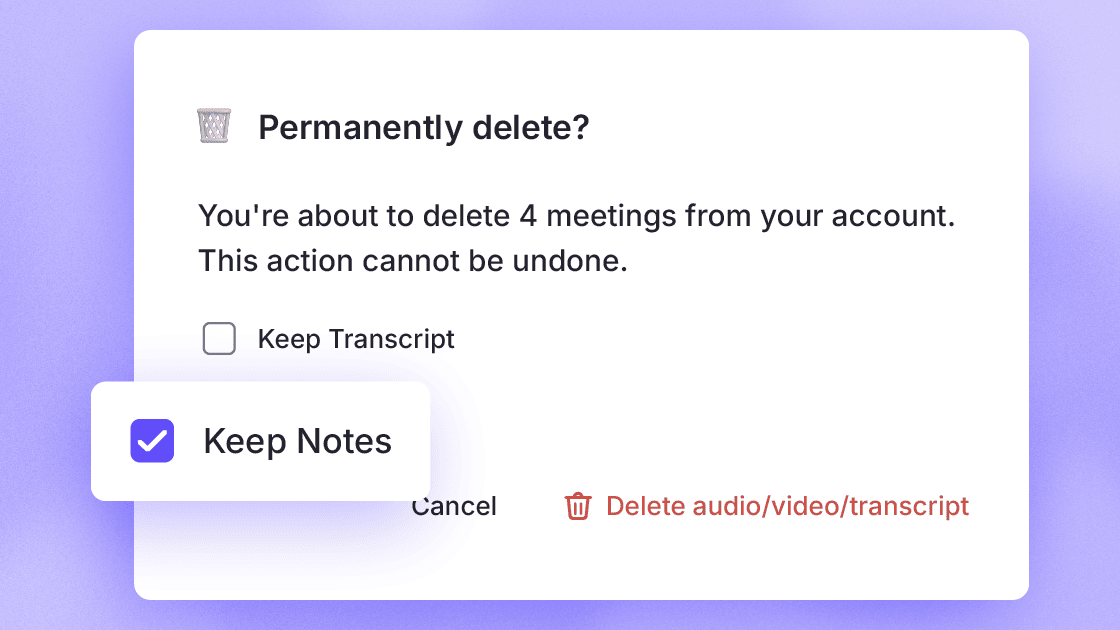
Transcript deletion with AI notes retention: Delete full meeting transcripts while keeping AI-generated summaries and action items. This helps you manage sensitive data while preserving key outcomes from your meetings.
AI summaries with manual notes integration: AI Meeting Summaries now incorporate your manual notes, producing more accurate and context-aware outputs. Visual cues indicate what content comes from AI versus user input.
Unified meetings list and upcoming view: Upcoming meetings and past meetings are now combined into a single view. With simplified navigation, lazy loading, and improved filters and bulk actions, managing meetings is more efficient.
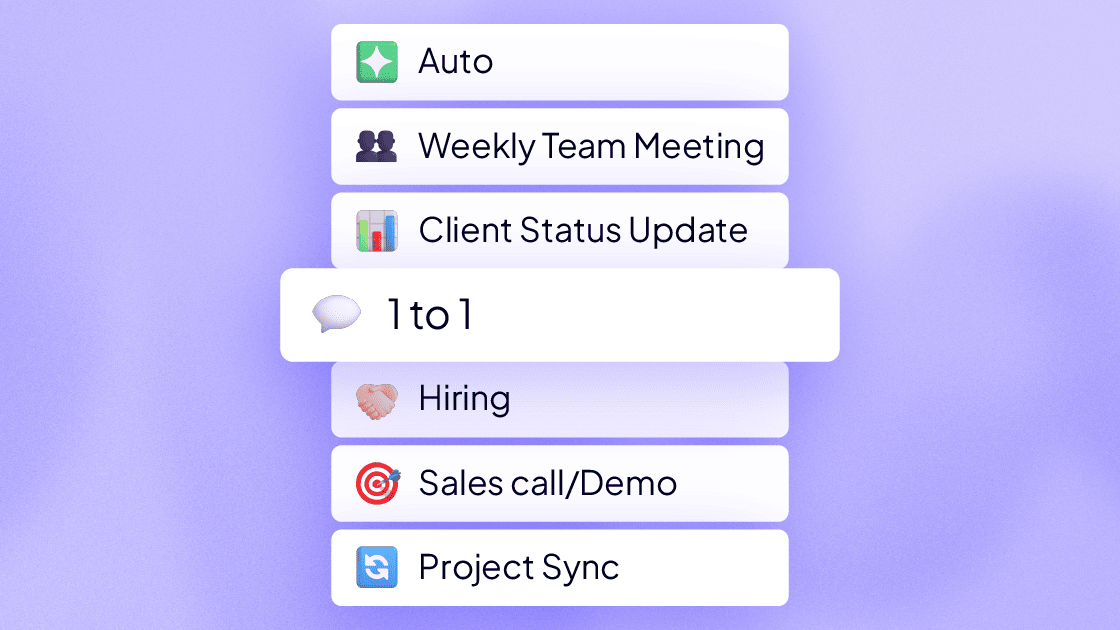
Meeting Notes Templates: Create or use templates with predefined sections like Action Items and Key Points. Templates automatically structure your notes so every meeting stays consistent and organized.
Bug fixes
Improved app stability on Windows devices: Fixed an issue where Krisp could crash due to system-level disk information errors.
Missing recordings after calls: Fixed a problem where some recordings were not saved properly after calls, ensuring your meetings are reliably captured.
Live Captions toggling unexpectedly: Fixed an issue where Live Captions could turn back on after switching Note Taker states, even when previously turned off.