- DATE:
- AUTHOR:
- The Krisp team
Krisp 3.9.4 AI Meeting Assistant Updates
This release is all about making Krisp feel smoother and more dependable during busy workdays. We improved how Meeting Companion behaves during calls, added clearer visibility into meeting uploads, introduced new ways to organize and manage meetings, and polished key workflows like team invites.
New features and improvements
Improved Meeting Companion positioning and resizing: Companion opens in the right corner by default, keeps your preferred corner if you move it, and widens automatically when expanded meeting controls need more space.
New upload queue for meeting recordings: You can now see upload progress and failed uploads in a visible upload queue. It shows what’s uploading, what needs attention, and lets you retry or cancel uploads, with progress and status saved even after restarting the app.
African Accent support in AI Accent Conversion: Krisp now supports converting speech with a African accent to a more neutral version. This expands our AI Accent Conversion options.
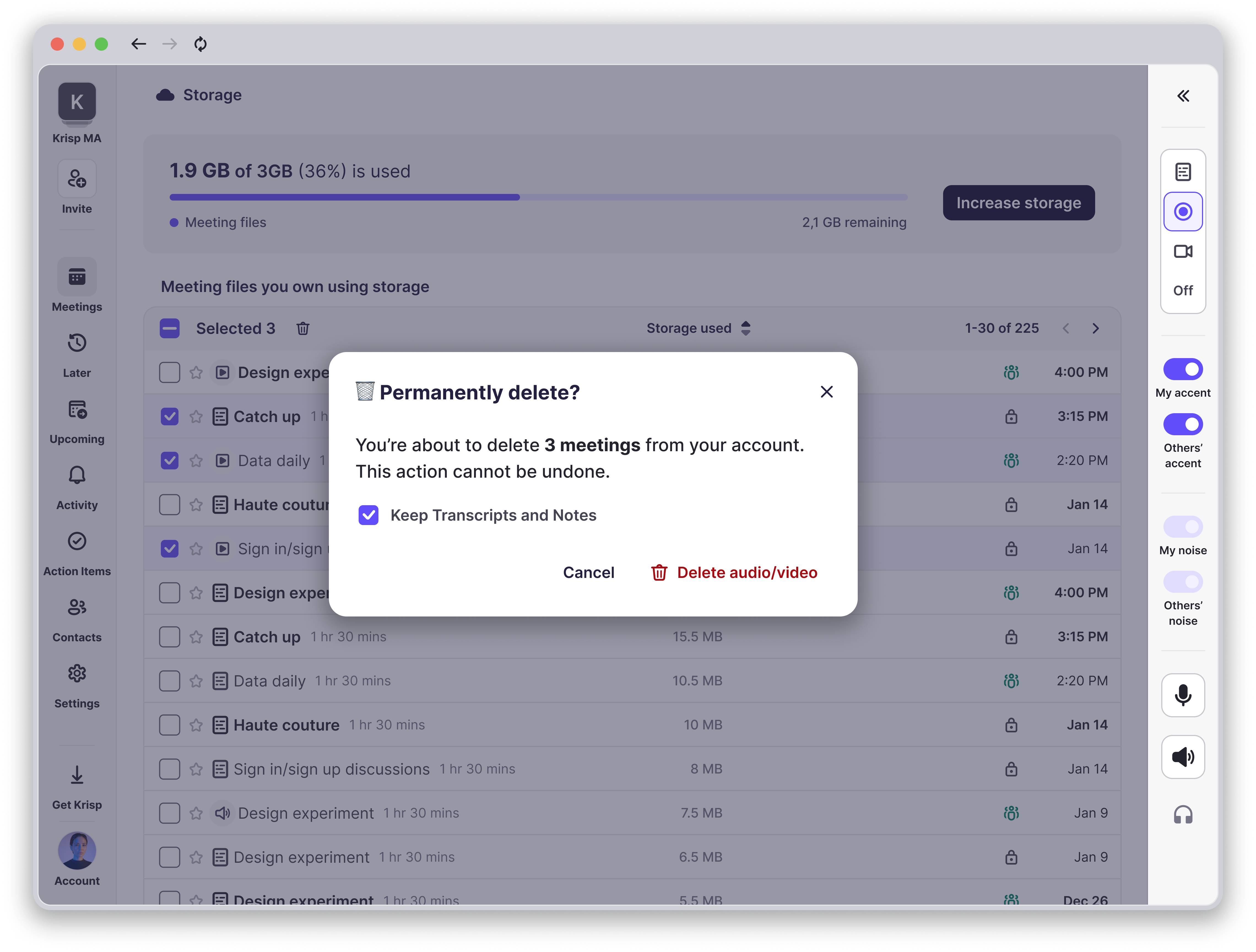
Free up storage without losing key details: You can now delete a meeting’s audio and video while keeping the transcript and notes. The meeting stays in your list for reference, but playback is removed, and your storage stats update right away.
Easier team invites with one click: Invited teammates can now join your Krisp team directly from the email link, with a clear “Join team” page and a smoother flow that skips extra steps. If the invite link has expired, they will see a helpful message with what to do next.
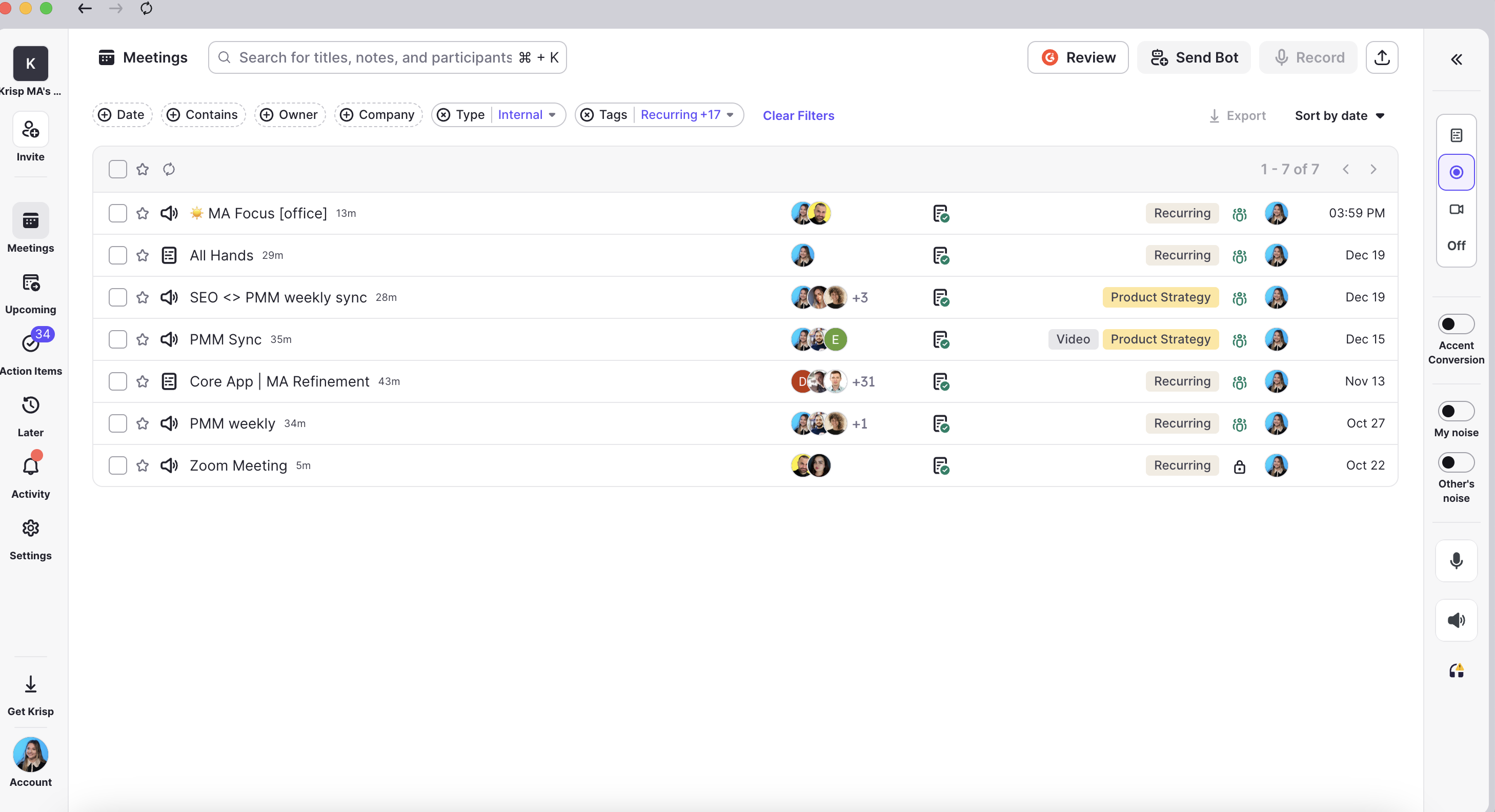
New Meeting Tags for teams: Create and apply shared tags to organize meetings across your workspace, making it easier to categorize, search, and stay consistent between the meeting list and meeting view.
Integrations moved into Settings: You will now find Integrations under Settings, keeping the main navigation focused and making it easier to manage all configuration options in one place.
Bug fixes
Fixed an issue with Talktime during calls: Talktime no longer drops after the first few seconds of a call and now reflects your speaking time accurately throughout the conversation.
Fixed microphone control issue after device disconnect: We resolved a bug where the microphone icon could become disabled if a USB or Bluetooth device was disconnected during an active call.