- DATE:
- AUTHOR:
- The Krisp team
Web updates for July 27–August 2: Call Center AI
This release gives Admins more control over translated calls and recent call information. They can adjust translated speech speed, manage Spell functionality for agents, and set how many recent call tabs remain open in the Krisp Widget. Here’s what’s new:
Feature updates and key enhancements:
Adjustable translation playback speed: Admins can now set translation playback speed from 0.9x to 1.2x to balance clarity with a more natural call flow. Changes apply team-wide immediately, with no app update required.
Spell control for Admins: Admins can now turn Spell on or off for their team in Voice Translation settings. It's on by default: agents type anything in the Quick Phrase box, or highlight text in the transcript, and Krisp spells it out in the customer's language.
Cleaner vocabulary term review: Admins now see a suggested term when at least two agents submit it. That keeps the review focused on the team's real needs.
Configurable recent call tabs in the Krisp Widget: Admins can now set the number of recent call tabs shown within a session, from one to four, with four as the default. For Voice Translation teams they can also choose to keep no previous call tabs open, helping them meet privacy and compliance requirements.
Audio samples in Deepfake Detection problem reports: Admins can now allow agents' problem reports to include audio samples of potential synthetic callers' voices for Krisp to analyze. Samples stay on the agent's device and reach Krisp only when a report is submitted. The setting is off by default.
Skill and Krisp CX Bridge call ID in the Krisp API: Admins can now pull the CCaaS skill of each call and Krisp CX Bridge call ID from the Krisp API. This lets them match Krisp call data to the corresponding CCaaS calls.
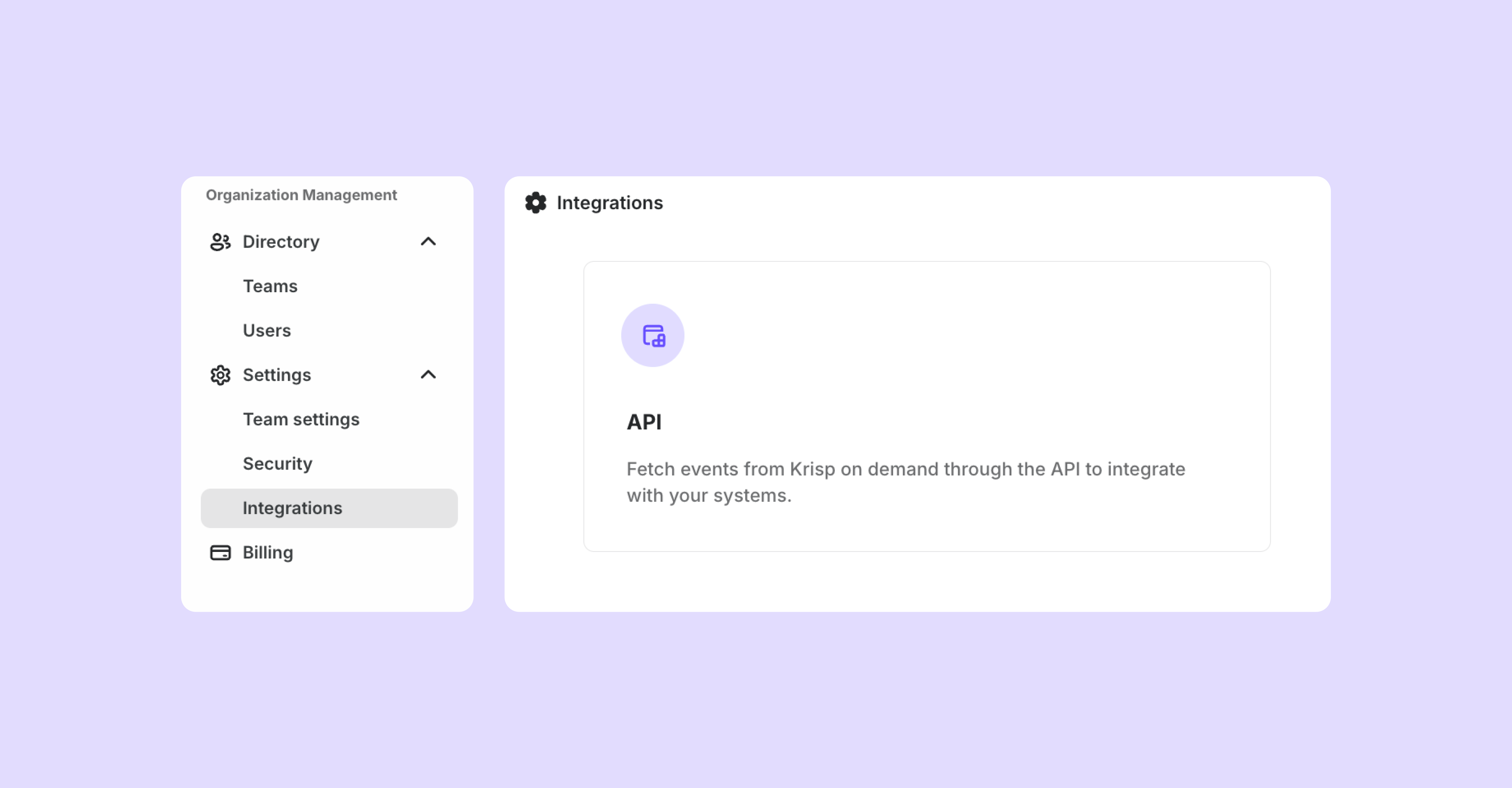
API settings in the Integrations tab: API settings are now located in the Integrations section, keeping related settings neat and organized.
Advance email notice before data deletion: When a subscription ends, Admins receive an email explaining that their team’s data and workspace settings will be retained for 60 days, followed by a final reminder three days before deletion. This gives teams time to request a data export or reactivate their subscription without losing their workspace.
Bug fixes
Reliable knowledge base uploads for trial teams: Uploading knowledge base sources in the admin portal now works reliably for Enterprise Trial teams.
That’s it for this release. Want updates like this in your inbox? Subscribe to the What’s new page and receive every release update as it ships.