- DATE:
- AUTHOR:
- The Krisp team
Web updates for March: Call Center AI
Clearer conversations, smarter evaluations, and more control for your team. March brings a wave of updates that make every call more productive . Here's what's new!
Feature updates and key enhancements
Customer Accent Conversion for clearer customer understanding: Since version 2.75.5, admins can enable it team-wide to improve call clarity, while agents can turn it on or off as needed. Contact your Account Executive to enable it.
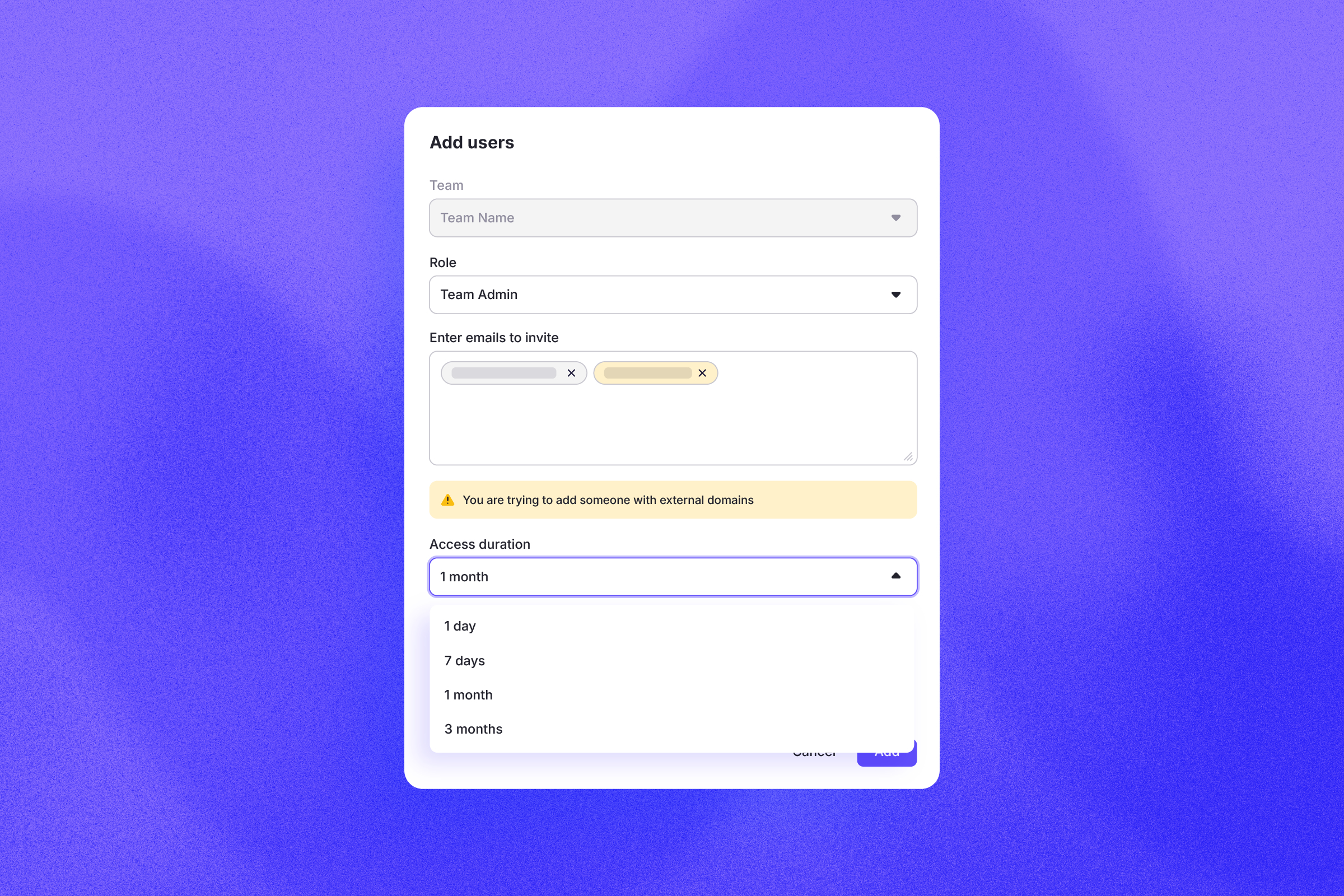
Time-limited access for external users: Team Admins can grant portal access to Krisp collaborators with a built-in expiration date, set and updated directly from the users list. Useful for managing POC participants and short-term partners without losing oversight.
Krisp API: For teams managing thousands of users, manual seat management and invitations add up fast. The Krisp API lets admins automate these operations by connecting Krisp directly to their existing scripts and workflows. It's REST-based, supports both device and email teams, and full documentation is available via Postman.
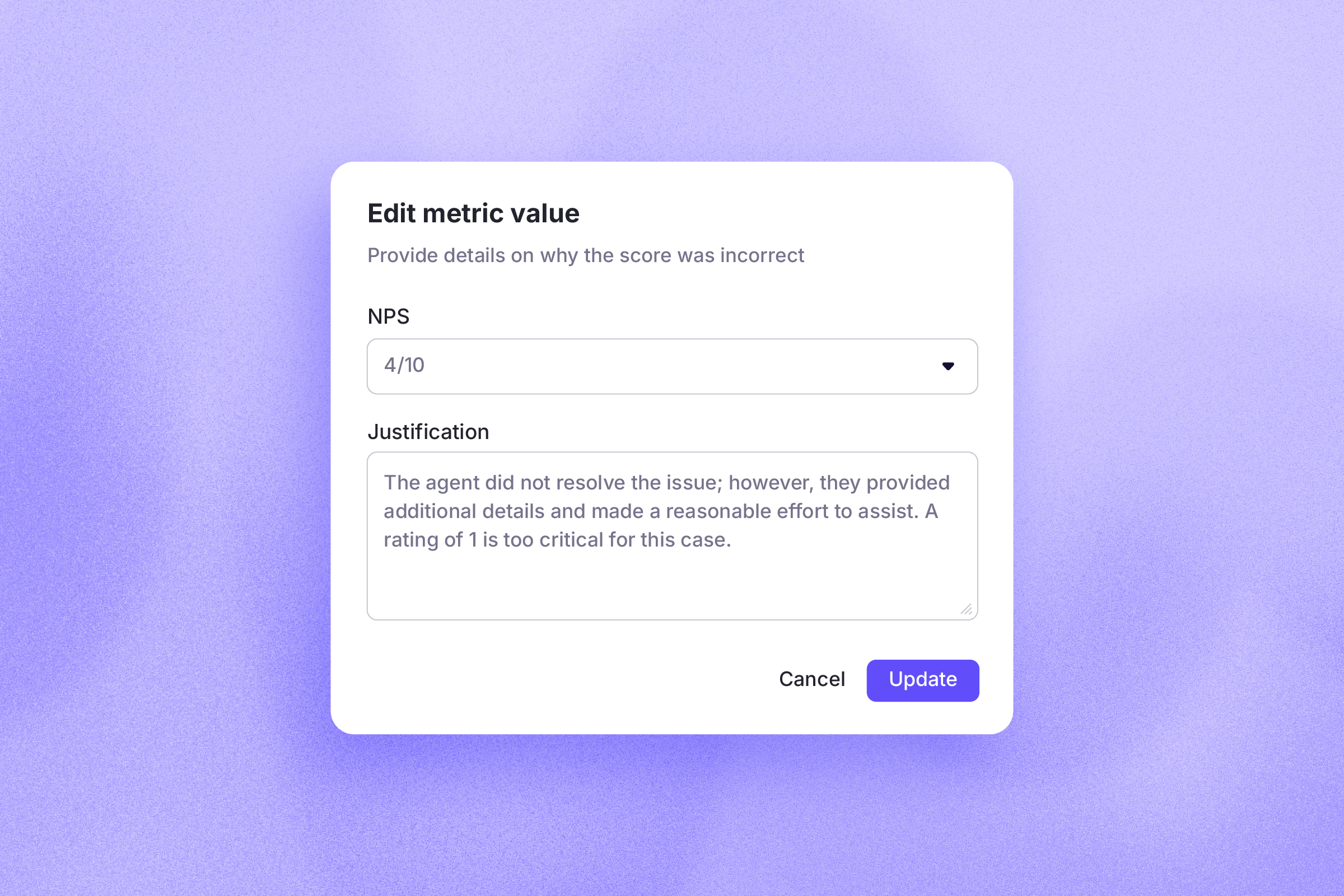
Manual score editing for more accurate performance data: When an AI-generated call score doesn't reflect the full picture, supervisors and QAs can now adjust it directly on the Call Details page. Every edit requires a note, changes are tracked, and edited scores are visually flagged. Any metrics derived from that score update automatically, keeping performance data accurate.
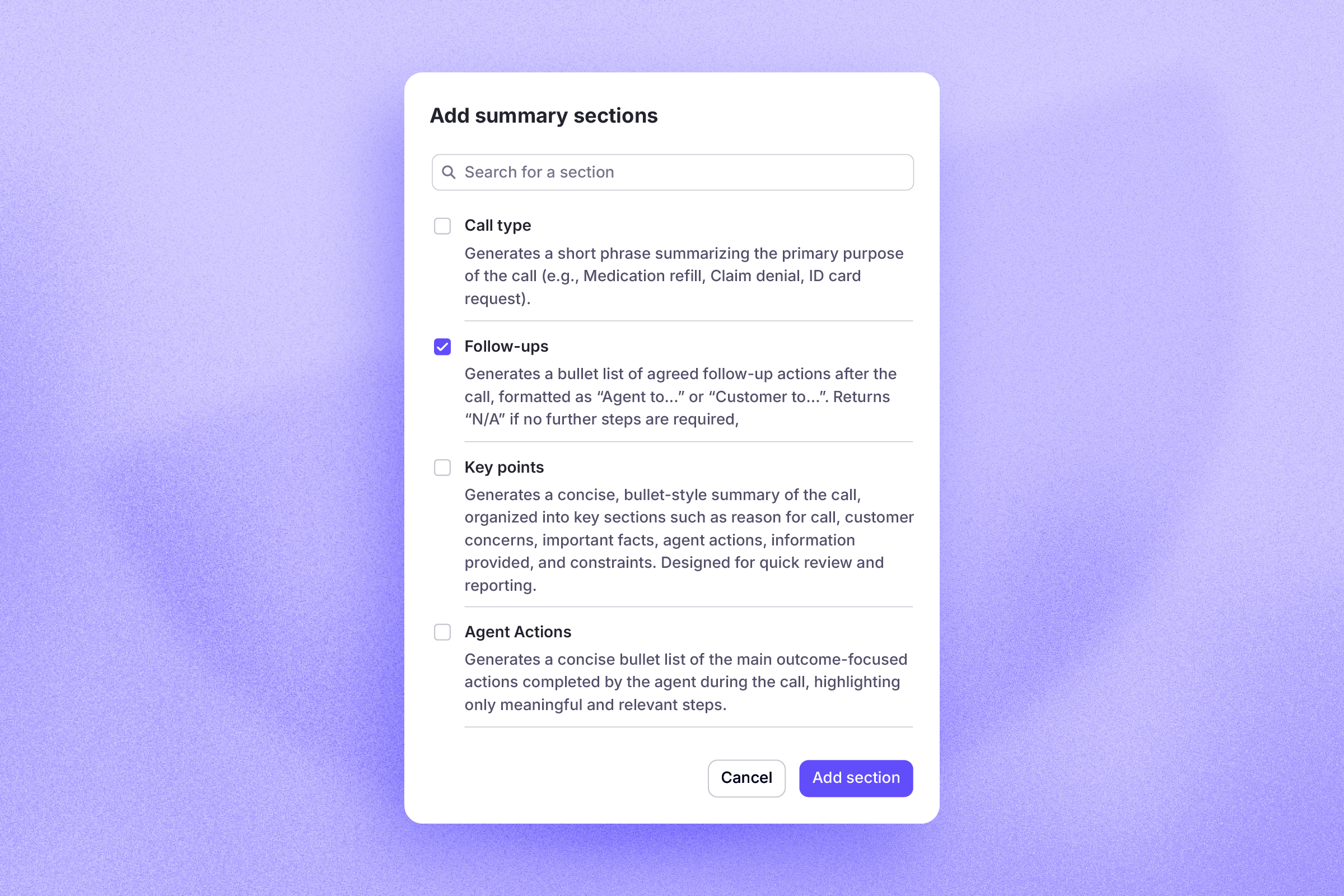
Self-serve summary and scoring controls for Admins: Admins can now manage summary sections and performance metrics directly from the admin portal without contacting Krisp. Choose which sections appear in call summaries, decide which metrics count toward call scoring, and control what admins see in the admin portal and what agents see in the Krisp Widget. Every change takes effect immediately, so your team's setup always matches how you actually operate. For more advanced customization, contact your Customer Experience Manager.
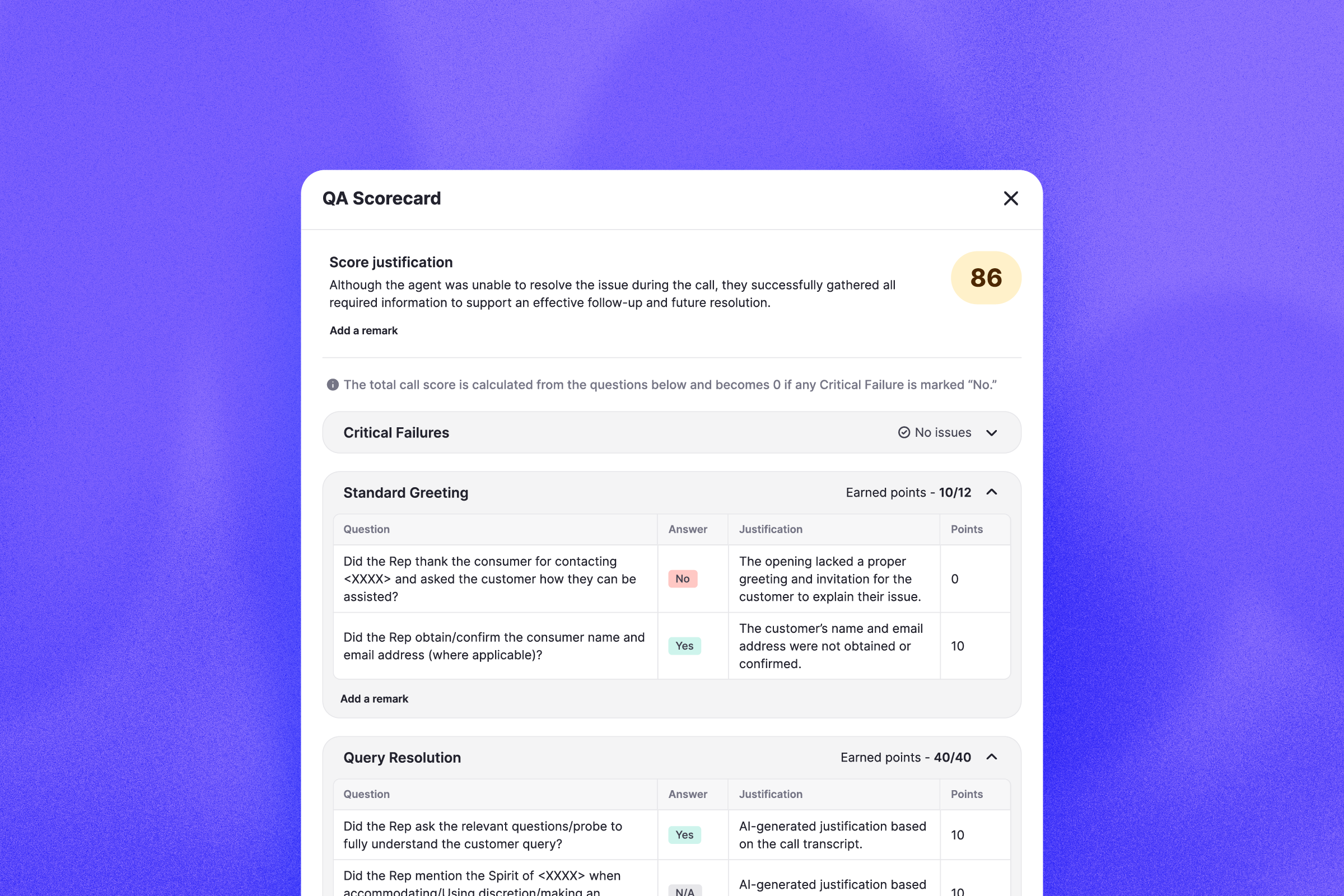
QA Scorecards for more consistent call evaluations: Supervisors can now evaluate calls using structured scorecards with scores, justifications, and breakdowns in one place. Scoring rules and thresholds are customizable per team, making it easier to standardize evaluations and coach consistently. To enable QA Scorecards for your team, contact your Account Executive.
Smart search in calls and transcripts: Admins can now search for specific words or phrases across all call transcripts or within a single call, with results highlighted in both the transcript and recording. Synonym and approximate matching are built in, so a search for "cancel" surfaces "abandon," and a typo still finds the right results. Searches can also be filtered by agent or customer to narrow things down quickly.
Bug fixes for SSO/SCIM
Accurate group sync on SSO login: User group memberships now more accurately reflect your identity provider group assignments each time they log in. Users are automatically added to new groups and removed from outdated ones, helping reduce manual admin work and access mismatches.
Improved SSO login reliability: Fixed an issue that could prevent users from logging in via SSO in specific scenarios, ensuring consistent access across teams.
Correct team visibility for SSO admins. Organization admins logged in via SSO now see only the teams they are part of, ensuring a cleaner and more accurate admin experience.